

Compliance That Fits Zoho Books Users
Complete Documentation for Submitting E-Invoices to FTA UAE
How Zoho Books Reaches Advintek
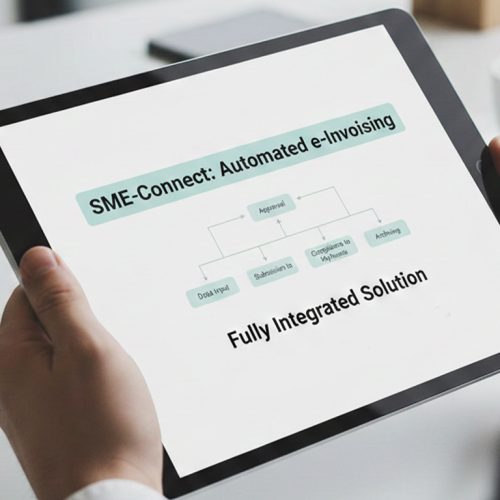
- Data Mapping Setup: Zoho data enters Advintek through configured mappings, preserving relevant invoice information for controlled processing workflows.
- Invoice Detail Validation: Required invoice details are checked before transactions proceed into structured preparation and electronic processing activities.
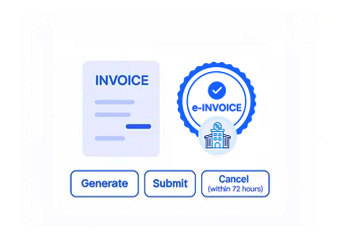
- Document Format Creation: Validated accounting information is formatted into structured invoice content for connected exchange and reporting workflows.
- Processing Response Capture: Advintek records processing outcomes, allowing finance teams to identify exceptions and address required corrections promptly.
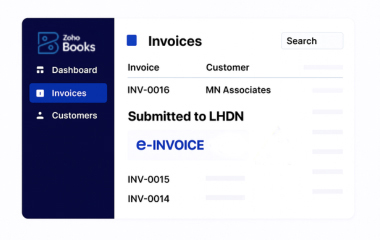
- Transaction Status Visibility: Invoice progress remains visible across validation, processing, exceptions, and completed Zoho Books transaction records consistently.
- Record Reconciliation Access: Processed invoice information stays accessible for reconciliation, review, and ongoing accounting record management activities.
What Does Zoho Connector Handle
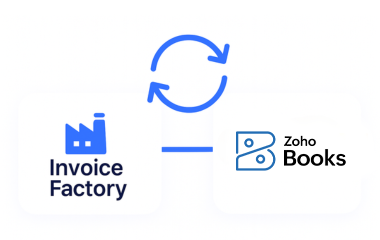
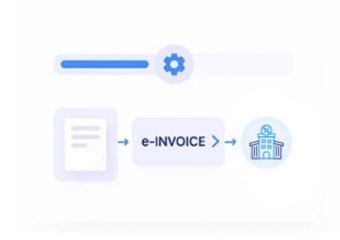
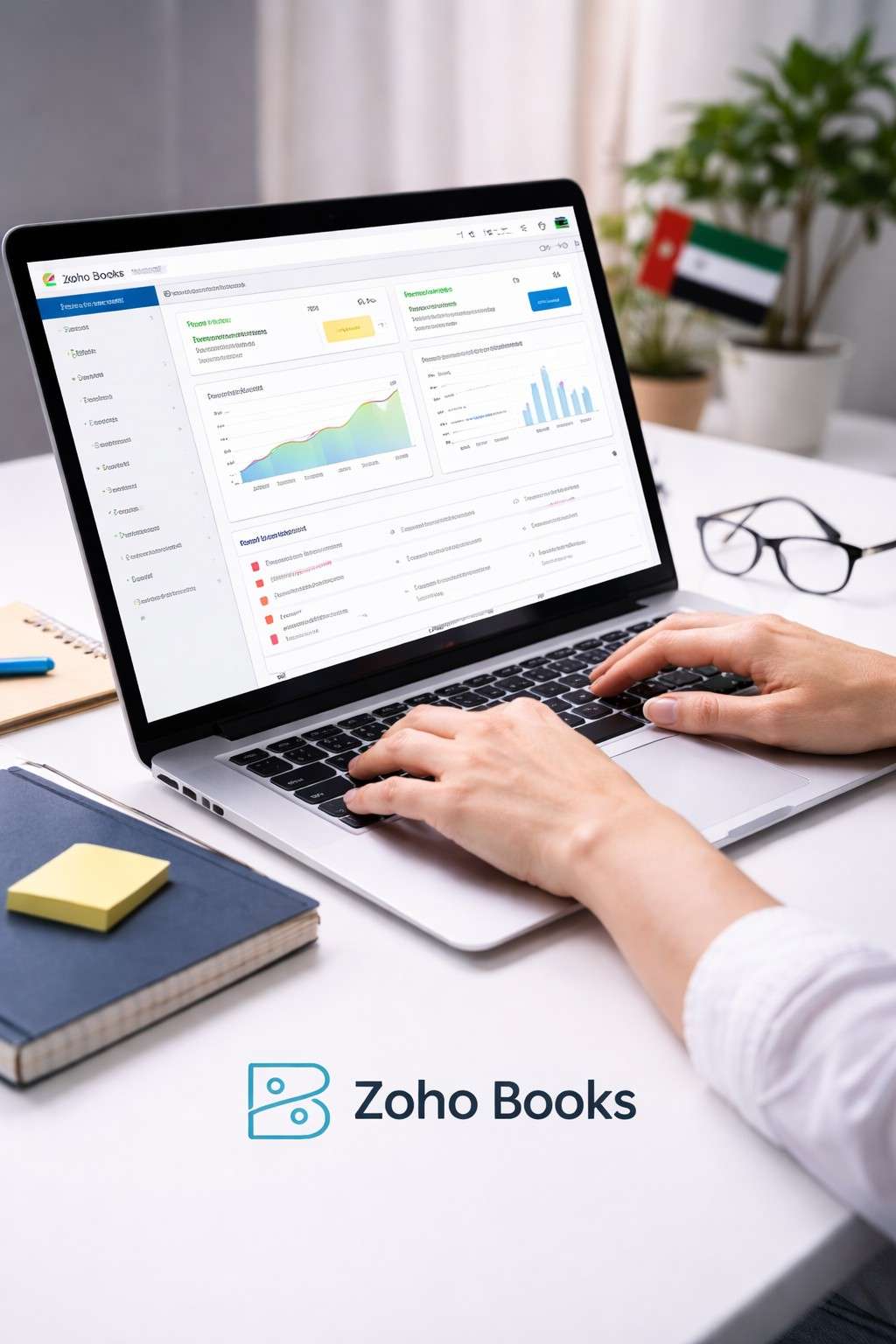
Advintek connects Zoho Books with an invoice-processing layer, allowing accounting information to pass through configured validation, preparation, response, and record-management workflows.
- Map Zoho Books invoice fields into Advintek
- Check tax details before invoice processing
- Prepare structured documents for electronic exchange
- Capture responses across connected invoice workflows
Why Zoho Users Connect Advintek
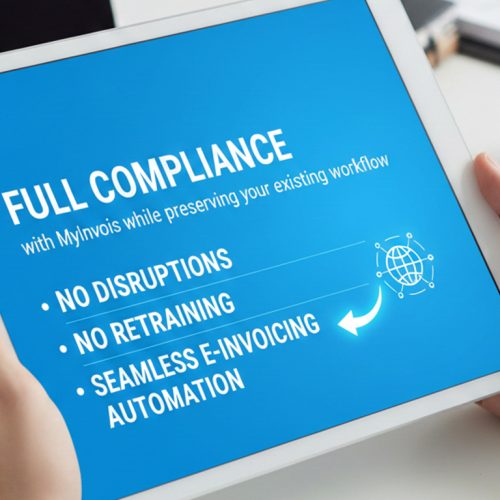
- Workflow Compatibility: Advintek aligns with Zoho Books processes while adding structured invoice preparation and electronic processing capabilities.
- Earlier Data Checking: Configured validation helps finance teams identify incomplete invoice information before transactions enter connected processing workflows.
- Central Processing Visibility: Teams gain clearer visibility into invoice responses, exceptions, and processing activity through one integration layer.
- Traceable Invoice Structure: Standardised preparation helps Zoho Books information enter electronic invoice workflows in organised, traceable formats daily.
- Lower Manual Review: Automated processing reduces repetitive invoice preparation and review across recurring Zoho Books accounting activities routinely.
- South Africa Preparation: Structured workflows support preparation for South Africa’s evolving digital VAT environment around Zoho Books operations.
Your South Africa e-Invoicing Capabilities, Connected
Invoice Control Desk
Review Zoho Books invoice fields, validation results, exceptions, and processing responses through finance workflows.
Response Activity Monitor
Monitor invoice activity and unresolved responses across linked Zoho Books accounting operations and records.
Reconciliation Review Centre
Access organised transaction information for reconciliation, investigation, and detailed financial review within accounting processes.
For Zoho Books Users Operating in South Africa
Advintek supports Zoho Books environments by connecting established accounting activity with structured invoice processing suited to South Africa business operations.
- Support Zoho Books finance teams nationwide
- Coordinate invoicing through established accounting workflows
- Review transactions across finance operations
- Prepare invoice information for electronic processing
Get Zoho Books Ready for South Africa
Automate Your Digital Invoice Compliance.
Support structured Zoho Books invoice workflows.
Ready e-Invoice System
Frequently Asked Questions Zoho Books e-Invoicing South Africa
How does Advintek validate Zoho Books invoice data?
Advintek applies configured validation checks to relevant Zoho Books invoice information before it enters the electronic processing workflow. These checks can help identify missing, inconsistent, or incorrectly structured fields and support better invoice data quality. Finance teams can address identified exceptions before processing continues, helping maintain organised invoice workflows across connected accounting and business systems.
Does Advintek capture Zoho Books invoice processing responses?
Yes. Advintek captures relevant processing responses generated during connected invoice workflows and makes status information available for review. Finance teams can identify successful processing, exceptions, or required corrections without losing visibility across the workflow. This helps organisations monitor invoice progress and maintain better control over electronic invoice processing connected with their Zoho Books environment.
Can Advintek organise Zoho Books invoice records?
Advintek can organise relevant invoice information and processing responses as part of the connected electronic invoicing workflow. Completed information can remain accessible for reconciliation, financial review, and ongoing administration. This helps finance teams maintain organised digital records while continuing to use Zoho Books for accounting activities and managing invoice transactions within their established business processes.
Does Advintek support tax information from Zoho Books?
Advintek can process relevant tax information included within Zoho Books invoice data according to configured workflows and integration requirements. Tax fields can be mapped and validated alongside other invoice information before structured processing. The specific tax data handled depends on the Zoho Books configuration, invoice structure, and business requirements applicable to the organisation’s South Africa invoicing processes.
How does Advintek handle Zoho Books invoice exceptions?
Advintek provides visibility into invoice processing outcomes so finance teams can identify exceptions and determine where corrections may be required. Relevant response information can be captured from connected workflows, helping users review issues before completing processing. This supports more controlled invoice handling while allowing accounting teams to continue managing core transactions within Zoho Books.